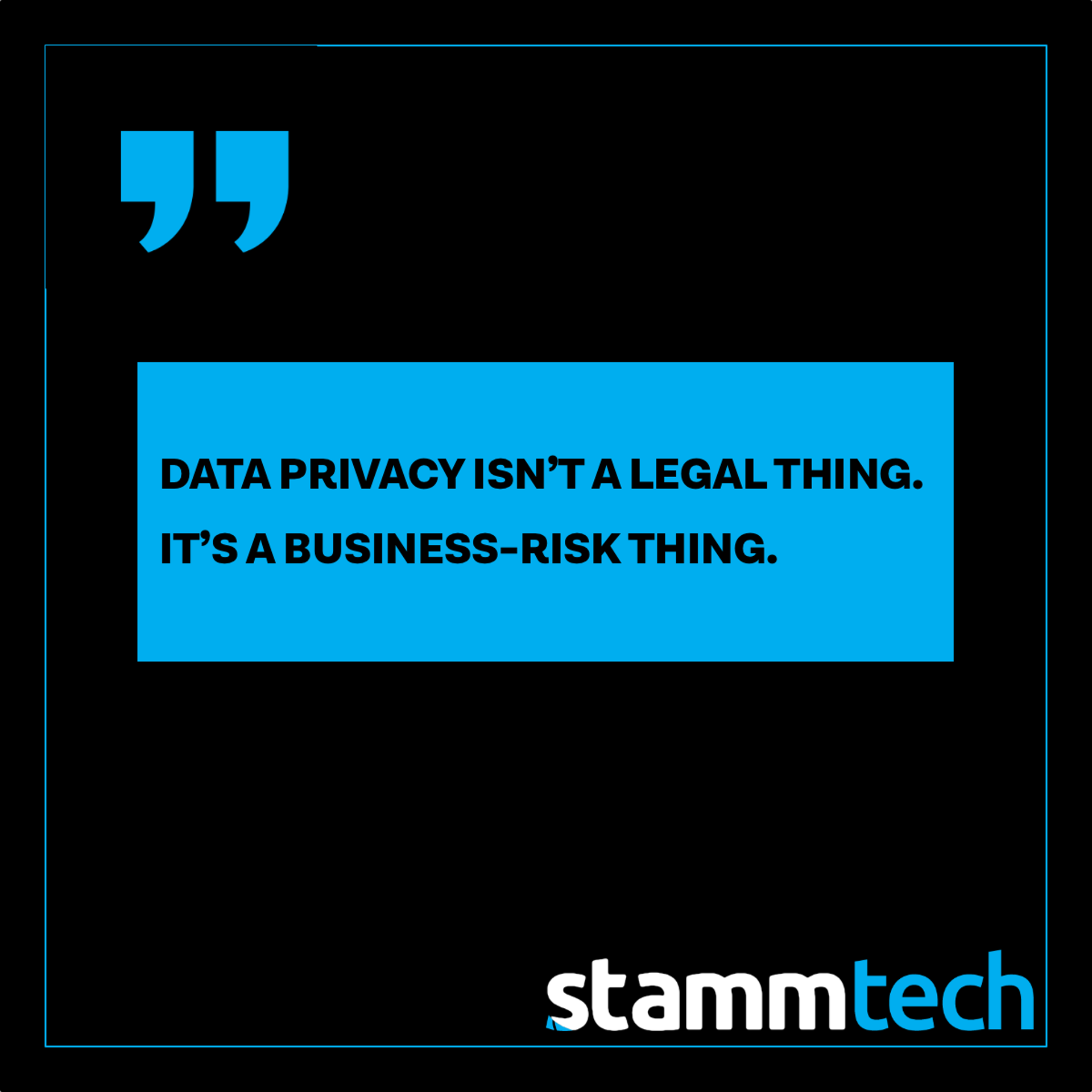
If “data privacy” makes you think of legal policies and complex compliance frameworks, you’re not alone. But for most small and mid-sized businesses, privacy risk is far more practical than that.
Privacy problems usually come from normal business operations:
- The wrong people have access to the wrong things.
- Old accounts don’t get shut off.
- Files get shared the fastest way, not the safest way.
- Backups exist, but nobody’s tested a restore.
Data Privacy Week is a great time to tighten the basics without turning your office into Fort Knox or making everyone hate IT.
Below are 12 fixes that reduce exposure quickly, with minimal drama.
1) What “privacy risk” looks like in SMB reality
When SMBs run into privacy trouble, it’s rarely because someone “hacked the firewall.” It’s more often one of these scenarios:
- An employee falls for a convincing email and an attacker gets into Microsoft 365/Google Workspace.
- A former employee still has access to email, files, or applications.
- A shared mailbox or shared drive contains HR, finance, or customer data accessible to far more people than necessary.
- Sensitive files are emailed as attachments because it’s “just easier.”
- A laptop gets lost or stolen and it wasn’t encrypted.
- A ransomware event happens and the backup either wasn’t complete or wasn’t recoverable in time.
The pattern is the same: someone gets access they shouldn’t have, then they can see more than they should.
Privacy, at its core, is about controlling access and reducing blast radius.
2) The 12 “No Drama” fixes that reduce risk fast
Fix #1: Do a quick access audit of your shared drives and folders
If everyone can see everything, privacy is already compromised. Start with the folders that typically contain sensitive data:
- HR and employee records
- Finance and payroll
- Legal documents
- Customer lists and contracts
Goal: limit access to only the roles that need it.
Fix #2: Lock down who has admin privileges
Admin accounts are the keys to the kingdom. The more admin access you have floating around, the easier it is for a small issue to become a big incident.
Goal: fewer admins, clearly documented.
Fix #3: Turn on MFA everywhere that matters (and enforce it)
MFA is still one of the highest-impact protections you can implement. But “optional MFA” is not MFA.
Goal: enforced MFA for email, file storage, remote access, and any finance/HR systems.
Fix #4: Set a clean offboarding process (and actually follow it)
Offboarding misses are extremely common and extremely avoidable.
Minimum standard checklist:
- Disable the user account immediately
- Remove access to email and file storage
- Reassign ownership of key accounts/files
- Disable MFA tokens / app sessions
- Remove access to any third-party tools
Goal: no lingering access after someone leaves.
Fix #5: Eliminate shared logins
Shared logins kill accountability and make access control impossible. They also make it harder to contain an incident when something goes wrong.
Goal: one person, one login, always.
Fix #6: Use secure file sharing instead of email attachments
If sensitive documents are still flying around as attachments, you’re inviting mistakes.
Goal: share links with permissions, not attachments. Set expiration and restrict forwarding where possible.
Fix #7: Encrypt laptops and require screen locks
This is the easiest “lost device” protection you can buy (and on many systems, it’s already available).
Goal: full-disk encryption and short screen-lock timers.
Fix #8: Inventory your devices (you can’t protect what you can’t see)
If you can’t list every laptop and workstation with confidence, patching and security are guesswork.
Goal: know what devices exist, who owns them, and whether they’re compliant.
Fix #9: Patch consistently (especially browsers and Microsoft/Google tools)
Most compromises aren’t exotic. They’re the result of vulnerabilities that had a fix available.
Goal: a defined patch cycle and visibility into what’s overdue.
Fix #10: Reduce data sprawl (stop storing sensitive files in random places)
Sensitive info tends to end up everywhere: desktops, Downloads folders, personal drives, old USB sticks, and “temporary” folders that became permanent.
Goal: one approved place for sensitive data, with access controls.
Fix #11: Add basic monitoring and alerting for suspicious activity
You don’t need an enterprise SOC to catch obvious red flags:
- suspicious sign-ins
- impossible travel
- massive file downloads
- mailbox forwarding rules created
- repeated failed logins
Goal: get alerted early, before damage spreads.
Fix #12: Make sure backups are real then test a restore
Backups aren’t a checkbox. They’re your “business continuity” plan when something goes wrong.
Goal: confirm coverage for key systems and test restores (even small ones) so you know recovery times and gaps.
3) The 3 highest-impact “start here” moves
If you only do three things this week, do these:
- Enforce MFA everywhere critical
It reduces account takeover risk immediately. - Clean up access (shared folders & admin privileges)
This reduces blast radius and limits exposure. - Validate backups with an actual restore test
This turns “we think we’re covered” into “we know we can recover.”
These three moves reduce risk faster than most “tool shopping” does.
4) How we evaluate it in the Security Risk Review
If you want a clear, prioritized view of where you’re exposed (and what fixes will matter most), our Security & Backup Risk Review is built for exactly that.
You’ll get:
- A plain-English risk scorecard
- The top risks in priority order (not a 40-page report)
- Clear recommended actions (quick wins vs. longer-term improvements)
- A 30-minute findings call to walk through what matters and what to do next
No fear-mongering. No jargon. Just clarity.
Ready to reduce risk without turning your operation upside down?
Start with a Security Risk Review, you’ll get a scorecard and a short findings call so you know exactly what to fix first.